Data Mapping
Part of Workflow data mapping
Mapping different date and timezone formats
Date mapping fails when a workflow treats every date-like string as the same kind of value.
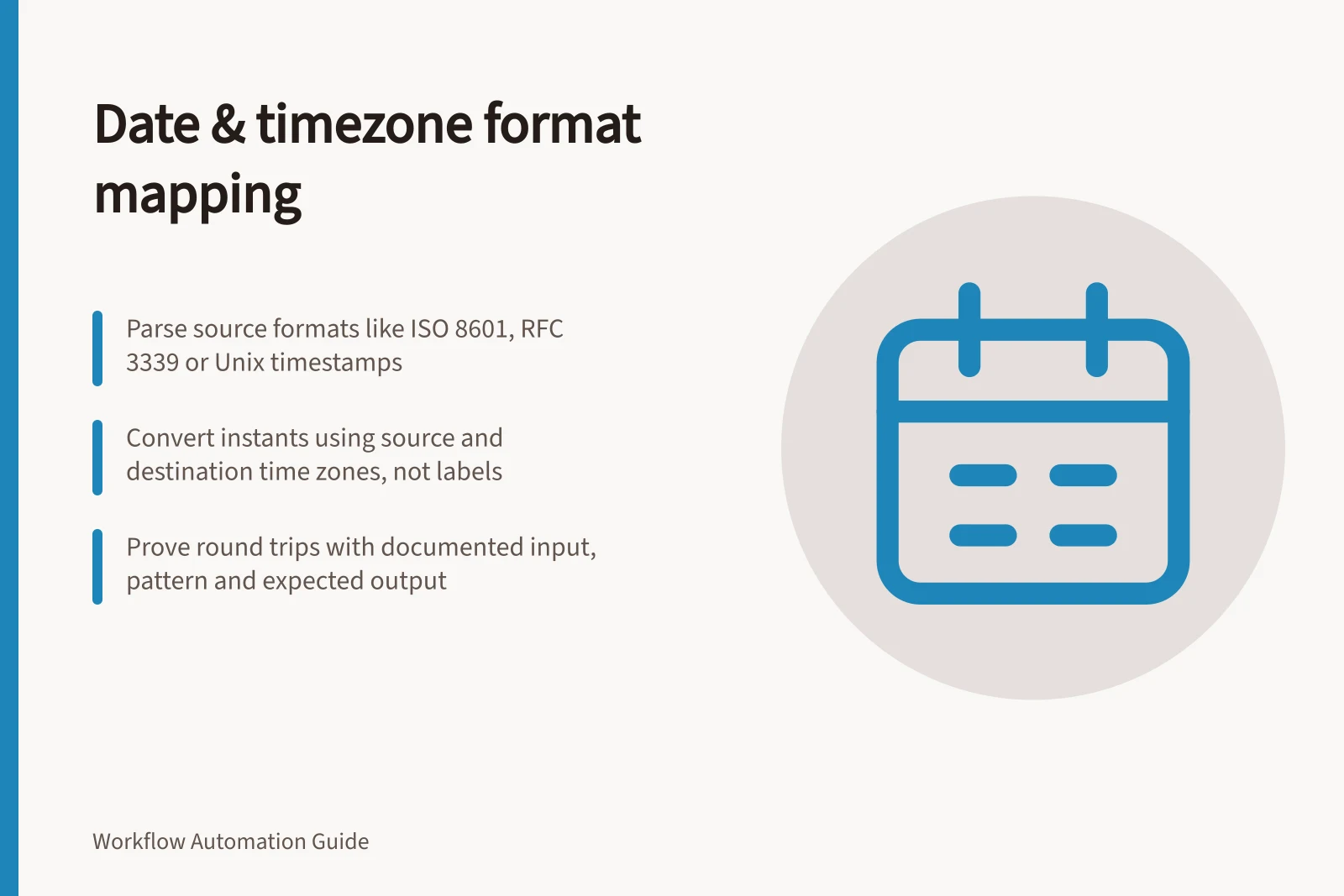
Map a date by identifying whether it represents a calendar date, a local date and time, or an instant. Parse the source representation first; for an instant, convert its time zone if needed, then format the result for the destination.
Identify what the source actually sends
Inspect a documented sample and a real redacted payload. Record what the field means, its format, any time zone or offset, and whether it can be blank.
ISO 8601 and RFC 3339 are named date-time formats. A calendar date can use YYYY-MM-DD; a timestamp can end in Z for UTC or include a numeric offset such as +00:00. A value without an offset may be local time or underspecified, so do not assume it is UTC.
Other formats include RFC 2822, Unix timestamps, ISO week dates and ordinal dates. Elasticsearch names basic_week_date and basic_ordinal_date; its date parser can accept alternatives separated by ||, with the first format used when converting back from milliseconds.
Format patterns can also specify a calendar date, seconds or a 12-hour clock. Examples include Y-m-d, Y-m-d H:i:s, and F j, Y, g:i a; the abbreviation examples EST, CET and AEST also appear in date-time parsing.
Convert the instant, not the label
For a date-only value, preserve it as a date where possible. Turning “deliver on 5 October” into midnight UTC can display as 4 October in another time zone; if the destination requires a timestamp, define the local time zone and time of day that represent the event.
A format mapping makes the parse pattern explicit: parse 2022-10-05 as Y-m-d, then emit 05/10/2022 as d/m/Y. That output is ambiguous without its pattern: d/m/Y means day then month, while m/d/Y means month then day. Loops and Logic supports from_format for parsing and format for output.
For a date-time display mapping, Y-m-d H:i:s can be formatted as F j, Y, g:i a: the documented example 2022-07-18 18:57:25 becomes July 18, 2022, 6:57 pm. Loops and Logic also supports Unix timestamp output using timestamp or U; Quickwit names unix_timestamp as an input format and unix_timestamp_secs as an output format.
For timestamps, parse the source offset or time zone, convert the instant, then format it. Power Automate’s Convert time zone action and convertTimeZone expression take a base time, source time zone, destination time zone and optional format; its examples use UTC, Eastern Standard Time and Pacific Standard Time.
For example, convertTimeZone(triggerBody()?['Date'],'UTC','Eastern Standard Time','HH:mm') maps a UTC input to an Eastern Standard Time output formatted as hours and minutes. Setting only the output pattern changes the text, not the instant; an offset of +00:00 denotes UTC.
Test mappings around day boundaries and daylight saving changes. Check a date on either side of a transition and define what happens to an ambiguous or nonexistent local time; do not use a fixed number of hours as a general conversion rule.
Correct Workflow for Converting Date-Time Across Time Zones
- Parse Source with Correct PatternUse format like Y-m-d H:i:s or ISO 8601 to read input correctly
- Convert Instant to Target Time ZoneUse Power Automate’s `convertTimeZone` function with source and destination zones
- Format Output for DestinationOutput as d/m/Y or F j, Y, g:i a depending on local needs (e.g., Australia)
Prove the round trip
For each workflow mapping, record the source string and parse pattern, whether it is a date or timestamp, the source time zone or offset, the destination format, and the expected display. Keep the interpretation rule with the mapping so the same input is not read under different date or time zone assumptions.
Key Validation Steps Before Finalising Date Mapping
- Confirm source format patternRecord whether it's YYYY-MM-DD, timestamp, or custom
- Verify time zone or offset presenceDo not assume local time is UTC; check for Z or +HH:mm
- Ensure round-trip consistencyInput string → parsed instant → converted → formatted → back to same string if needed
- Document interpretation rulesKeep notes on how each field is interpreted (e.g., 'AEST means +10:00')