Authentication
Part of Workflow authentication and secrets
Keeping secrets out of workflow logs
Workflow logs should explain what happened without exposing credentials.
Workflow logs should explain what happened without exposing credentials. API keys, authentication headers, connection strings and full error payloads can appear in normal or failed runs unless logging is configured deliberately.
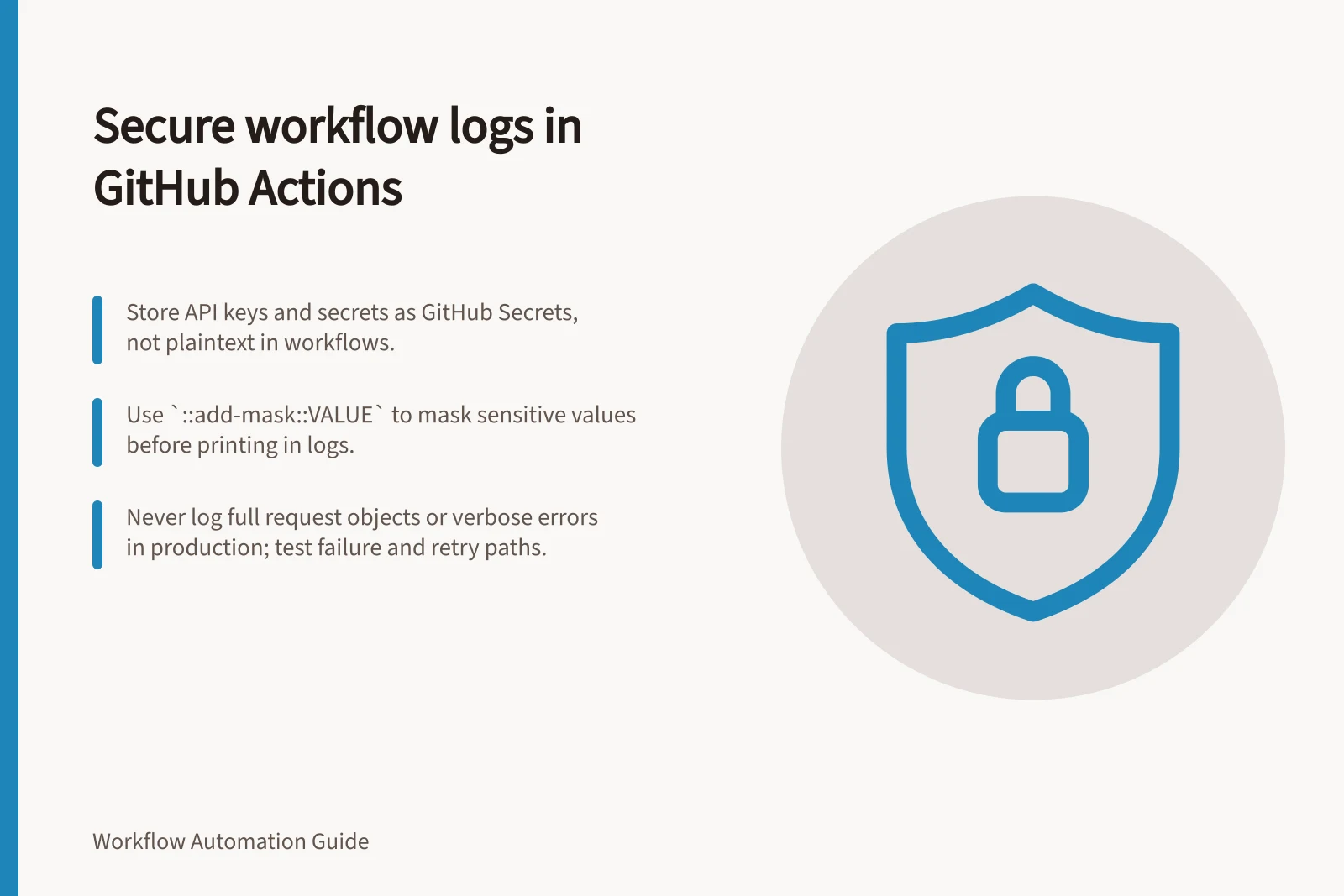
In GitHub Actions, store sensitive values as GitHub secrets rather than plaintext in workflow files. GitHub Actions automatically masks recognised secrets, but redaction is not guaranteed, so never print raw environment variables or rely on masking alone.
Inspect the failure path
Use a safe test run that produces a known error. Inspect execution history, alerts, retry output, exported logs, monitoring tools and error reports; check for test secret values in URLs, headers, payloads and screenshots.
For a sensitive value that is not already a GitHub secret, emit the workflow command ::add-mask::VALUE before any step can print it. Register runtime-generated values and transformed or encoded versions too; masking depends on the runner recognising the value, and the runner can redact it only when it is used within that job and accessible to the runner.
Do not package a secret as a JSON, XML or YAML blob and expect reliable redaction. Redaction relies largely on finding an exact match, so use individual secrets for sensitive values rather than structured data.
Repeat the safe test through the failure and retry paths, including any script or error handler that handles the request. Search the resulting outputs for the test value and its transformed forms, and check that full request objects and verbose errors are not exposed in production logs.
Replace sensitive fields with a request ID, action name and error class where possible. Log which connector ran, which non-sensitive record identifier it handled, when it failed and whether a retry succeeded.
In GitHub, anyone with write access to a repository can read all secrets configured for it. Remove unnecessary write access, and set the GITHUB_TOKEN default permission to read access for repository contents; grant additional permissions only to individual jobs that require them.
If an unredacted secret reaches a GitHub Actions log, delete the log and rotate the secret. Restrict access to related monitoring and support exports, and investigate copies of the exposed value.
Best practices for securing secrets in workflow logs
- Store sensitive values as GitHub Secrets, not plaintext in workflow filesRequired
- Use `::add-mask::VALUE` to mask runtime-generated secretsRecommended
- Avoid packaging secrets in JSON, XML or YAML blobsCritical
- Test failure and retry paths for secret exposureMandatory
- Replace sensitive fields with request ID, action name, and error classBest practice
- Restrict GITHUB_TOKEN permissions to read-only unless requiredStrongly advised
- Rotate secrets if unredacted value appears in logsImmediate action
Safe testing of failure paths for secret exposure
- Run a safe test that triggers a known errorStart here
- Inspect execution history, alerts, and exported logsCheck all outputs
- Search for test secret values in URLs, headers, payloadsVerify redaction
- Repeat through retry path and error handlersEnsure full coverage
- Replace sensitive data with non-sensitive identifiersLog context without risk
- Delete logs and rotate secrets if exposedImmediate response
Preserve useful diagnosis
Keep detailed logs limited to the people who need them, and set retention for the operational purpose. For support artefacts, limit access to the minimum group that needs to resolve the case and review files before wider distribution.
Review logging after every new connector, script or error handler. A workflow may be safe on successful runs but expose a full request object when an exception occurs, so test that path before production use.
Keep secrets out of workflow files and logs by storing them in GitHub Actions secrets or a proper secret manager. Azure Key Vault and AWS Secrets Manager are named options; for local development, the cited GitHub discussion says .env can be used, while staging and production should use GitHub Actions secrets or a secret manager.
Secret storage options: local, staging, and production
- Local development
- .env file (with .gitignore)
- Staging environment
- GitHub Actions secrets or secret manager
- Production environment
- Azure Key Vault or AWS Secrets Manager
![Restrict connector access to essential records: Grant API and record permissions only for required data types and operations.; Use HubSpot’s 'Their [Objects]' setting to limit contact access to owned records.; Verify token claims via jwt.ms to confirm restricted permissions in Microsoft Entra. Limiting a connector's access to required records](/covers/limiting-a-connector-s-access-to-required-records-640.webp?v=5f285ac7)