Observability
Part of Workflow data synchronisation
Rebuilding a sync after a prolonged outage
Check replay availability, inventory both systems when history is incomplete, reconcile differences and restart record syncing.
After a prolonged outage, check whether the saved change position can still recover every missed change. If it can, process the gap and verify the resulting records.
If it cannot, inventory both systems and reconcile differences under the agreed ownership, conflict and deletion rules before normal writes resume. A full scan finds differences; it does not decide which copy should win.
Preserve the uncertain period
Record the last completed sync round, which directions stopped, and whether either application accepted edits during the gap. Pause writes from the broken sync while planning the rebuild. Preserve paired IDs, the last checkpoint, unresolved errors and known deletion decisions.
An outbound request that timed out before the outage may already have changed its destination. Separate changes confirmed before the gap from changes made during it and writes whose outcome is still unknown.
Check whether replay is possible
Ask the selected source API whether the saved cursor or replay position still works. Follow all required pages before committing the next position. Microsoft Graph delta uses @odata.nextLink until a round ends with @odata.deltaLink.
Google Calendar documents a 410 response for an invalid sync token and a fresh sync of the client's calendar store.
Check the provider's documentation to confirm whether the saved replay position remains valid and covers the entire gap. If it does not, use the provider's documented full-sync or inventory procedure.
API Sync Recovery Indicators
- Microsoft Graph Delta
- @odata.deltaLink indicates end of round
- Google Calendar
- 410 response means invalid sync token
- Salesforce Pub/Sub
- Event message durability ensures delivery within retention window
Reconcile when history is incomplete
Take an inventory of the records in scope on both sides using each API's paging, access and consistency rules. Include stable IDs, relevant versions or update times, and documented deletion or archive states where available.
Account for changes that occur while the inventory is being taken; a scan of moving data is not automatically a single snapshot. Save the comparison before making writes.
Comparison / Next decision
- Paired records agree
- Leave them unchanged
- One side changed a field it owns
- Apply that value after checking current state
- Both sides changed an editable field
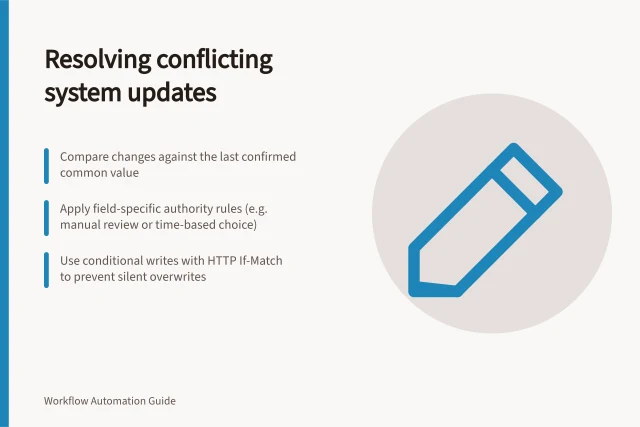
- Use the conflict rule or hold it
- One side is absent
- Check deletion history, filters and access
- A prior write has unknown outcome
- Look up the intended result before retrying
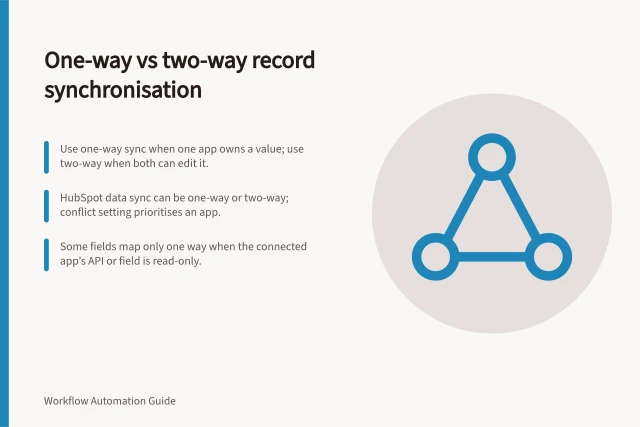
A full inventory may no longer reveal a deletion event that expired from the feed. If absence cannot be explained, hold that pair rather than recreating or removing it automatically. A two-way sync must also preserve valid edits made on both sides during the outage.
Resume and confirm
Resolve ambiguous matches and consequential deletions first. Apply a small set of changes, checking each destination result. Use conditional writes where the API supports them, then pace the rest of the backlog within the destination's limits. Keep exceptions visible by record even when they share one outage.
Establish a new change baseline using the selected API's documented scan and cursor procedure, and account for changes received during the rebuild before advancing it. Compare the intended record cohort with destination records and review outstanding conflicts, deletions and unknown writes. Recovery is complete only when the required pairs are reconciled or have an assigned exception.