Integration Platforms
APIs and webhooks in automated workflows
Understand how webhook deliveries and API calls work together, where each fits, and how to confirm the resulting workflow action.
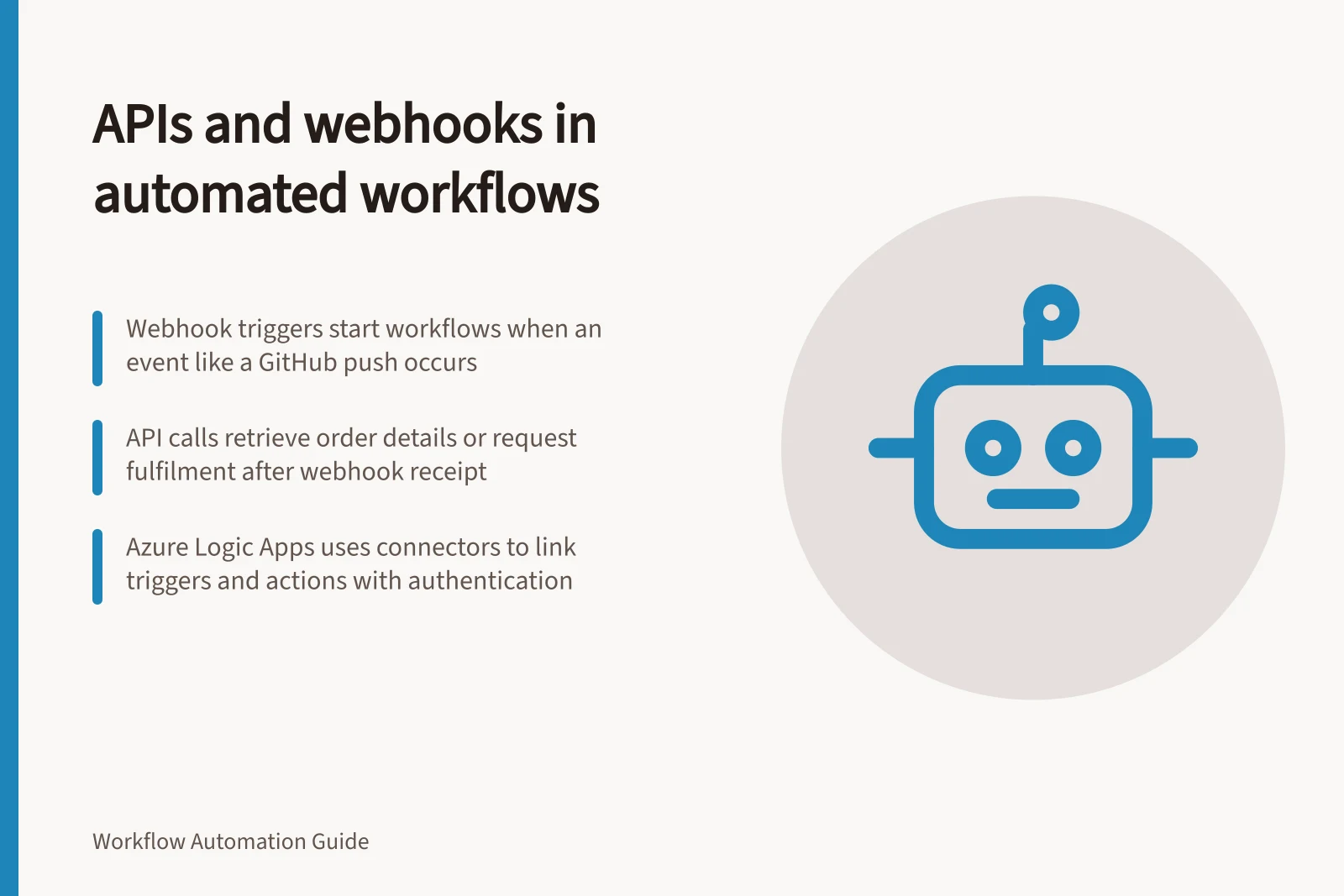
An API lets a workflow request data or an action from another application; a webhook lets an application send an event notification to a receiving endpoint. A workflow may use both: the webhook starts the work, one API call retrieves current details, another requests an action. No step alone proves the intended business outcome occurred.
GitHub shows how a webhook event can start work outside its own system: a push to a branch can trigger a continuous integration pipeline, and a pull request review can prompt a notification to a collaboration platform. The event identifies a change; the receiving workflow decides the response.
Follow an event through the workflow
Suppose an order application reports an order changed. The receiver identifies the event and order, checks whether the change matters, then calls the order API if it needs current details. If the order is eligible, the workflow requests fulfilment and retains the destination request ID.
Boundary / Question to answer
- Webhook delivery
- Which event occurred, and which record does it identify?
- Source API response
- Does it contain the information needed for this decision?
- Destination API response
- Was the action completed, accepted for later processing, or rejected?
- Business outcome
- Which destination record or state confirms the intended result?
A response to the webhook sender acknowledges receipt under that sender's contract; it does not confirm the later fulfilment action.
The event's installation context also affects what the workflow can look up. GitHub webhooks can access only resources available in the repository, organisation, GitHub Marketplace account, GitHub Sponsors account or app where the webhook is installed; the event's presence does not imply access to every related record. The workflow must make its API lookup within the access its connection and source permit.
Follow an event through the workflow
- Webhook deliveryIdentify the event and associated record (e.g., order change, branch push)
- Source API responseCheck if the response contains required data; handle pagination using `link` header if needed
- Destination API responseConfirm action was accepted, completed, or rejected; retain request ID for tracking
- Business outcomeVerify the intended result via destination record or state (e.g., fulfilment status)
Choose how work begins
A webhook fits when the source offers the relevant event and the workflow can receive and verify deliveries. Scheduled API polling may be appropriate when the event is unavailable or a periodic check is sufficient.
Check the source's event coverage, delivery and redelivery rules, and payload contents. If a webhook delivery is missed, consider whether it can be recovered through another means.
GitHub describes webhooks as requiring less effort and fewer resources than polling its API, and as scaling better when monitoring many resources. Its guidance also notes that an API call for each resource may encounter rate limits.
Webhooks vs. scheduled API polling
- Resource usage
- Webhooks: lower; Polling: higher (especially at scale)
- Event availability
- Webhooks: event-driven; Polling: periodic checks only
- Rate limits
- Webhooks avoid rate limits; polling may hit them with many requests
- Reliability
- Webhooks require validation and recovery plans; polling offers predictable timing
Read API responses before using them
Inspect status, headers and body together. A list may have further pages; GitHub's REST API, for example, provides a link header when its response is paginated. Follow the selected API's pagination rules.
Check field paths and meaning before passing values to another operation. An internal order ID, a customer-facing number and a fulfilment request ID serve different purposes. An absent JSON property also differs from one explicitly set to null; the API contract determines what either state means.
API and webhook best practices summary
- Status code check
- Always inspect HTTP status before processing response
- Pagination handling
- Use `link` header when available (e.g., GitHub REST API)
- Field meaning verification
- Distinguish between missing property and `null` value per API contract
- Idempotency rule
- Define how repeated events are handled (e.g., no duplicate orders)
Place connectors between triggers and actions
In Azure Logic Apps, a connector presents prebuilt operations as workflow steps. An operation is either a trigger that starts the workflow or an action that performs a task, and some connectors provide only one of these roles. This makes the trigger-action distinction visible even when a workflow uses a connector rather than calling an API directly.
Many Azure Logic Apps connectors require a configured connection, usually to authenticate access to an account in the underlying service. If no connector is available, Azure Logic Apps provides a generic HTTP operation or the option to create a custom connector.
Receive webhooks and confirm the result
Subscribe to the events the workflow needs. Where the sender provides a signing mechanism, verify deliveries according to its documentation before processing them. GitHub documents a webhook secret and signature header for GitHub deliveries; other senders have their own rules.
Separate receipt from later processing. GitHub asks receivers to return a 2xx response within 10 seconds and suggests background processing for longer work; that deadline is GitHub-specific.
Retain an appropriate event or delivery identifier, the receiving decision and a recovery route. A delivery may be replayed, so an action that creates a record needs a defined rule for repeats.
After an outbound write, distinguish a confirmed result from an unknown one. A timeout does not establish whether the destination applied the request. Use the destination's documented lookup or safe retry mechanism to resolve that uncertainty, then retain its result ID. For an initial review, write expected destination outcomes for a relevant event, an irrelevant event, a missing field, a repeat and a lost response.
For GitHub deliveries, the event type is provided in the X-GitHub-Event request header, while an event's action type may be in the payload's top-level action property. GitHub advises checking both before processing; it adds event types and actions over time, so a receiver should not assume that every delivery represents the same kind of change.
Using webhooks in workflows
- ProsReal-time event triggering, reduced system load, better scalability for large numbers of resources
- ConsRequires secure handling of payloads, risk of missed deliveries, need for idempotency and replay handling
In this guide
- Webhooks versus scheduled API pollingChoose between a webhook and scheduled API polling by checking event coverage, scan behaviour, timing and recovery.
- Reading an API response before mapping fieldsInspect an API response's status, headers, JSON shape and field meaning before mapping values into a workflow.
- Testing an inbound webhook with sample eventsPlan sample webhook events, inspect sender and receiver records, and check downstream outcomes separately from receipt.