Integration Platforms
Part of Workflow operating costs
Comparing batch schedules with event-driven execution costs
Compare scheduled checks, event starts and per-record work using the same workload and completion deadline.
Compare scheduled and event-driven designs against the same records and completion deadline. Count scheduled checks, event deliveries, workflow starts, per-record actions and outbound calls before applying prices. A webhook can remove idle polling but can start work for every delivered event. A schedule can collect several records in one check but makes them wait.
Keep the workload constant
Record relevant and irrelevant source changes, ordinary and peak arrivals, the longest acceptable delay, and how missed work can be recovered. Use the same eligibility rule and destination result for both designs. A cheaper route that misses required records is not an equivalent design.
A scheduled route might check for changes every 15 minutes and process returned records. An event route might receive a notification, look up missing details and process eligible records. Confirm the selected source exposes the required changes and what each notification contains.
Count each route
| Work item | Scheduled route | Event route |
|---|---|---|
| Idle intake | Checks continue | No scheduled check for that event stream if the sender supplies notifications |
| Busy intake | One check may return several records | Several deliveries may start separate runs |
| Downstream work | May be per record or use a supported bulk operation | Usually begins per delivery unless the design groups work |
| Delay | Includes the wait for the next check | Depends on delivery, receiver and downstream capacity |
| Recovery | Needs a scan position and incomplete-scan rule | Needs a missed-delivery, replay or reconciliation rule |
These are possible workload shapes, not vendor guarantees. A scheduled check does not necessarily save per-record actions. An event route does not necessarily cost less.
Work a neutral example
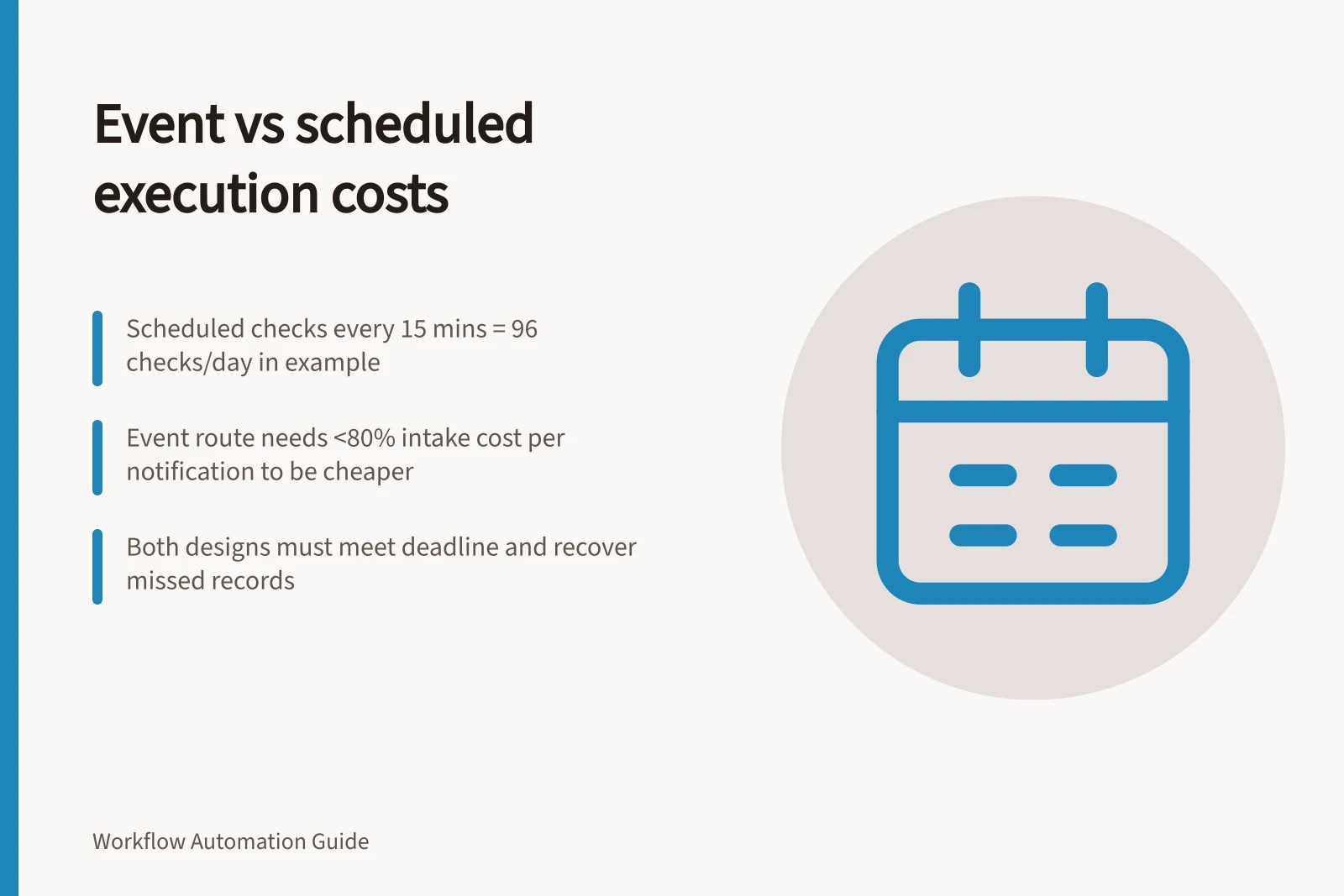
Suppose 120 relevant changes occur during a day. A schedule every 15 minutes makes 96 planned checks. If each record needs a lookup and a write, either design could still need 240 downstream calls before retries.
The event route might receive 120 notifications; irrelevant or repeated notifications would add intake work. A supported bulk endpoint might reduce requests, but its entry limits and partial results need separate accounting.
For a simple break-even illustration, assume each scheduled check and each event notification has the same intake cost, and downstream work is equal. The schedule makes 96 checks, so the event route reaches intake-cost break-even at 96 notifications a day; above that, its intake cost is higher under this assumption.
At 120 notifications, the event route would be cheaper only if each notification's intake cost were less than 80% of the cost of a scheduled check. These are normalised comparisons, not provider prices; apply the actual platform meter to find the real break-even point.
Make's example says a trigger scheduled every 5 minutes uses 288 credits per day, or 8,640 operations per month, while an hourly trigger uses 24 credits per day, or 720 operations per month. These figures cover the trigger module only; the complete scenario uses additional credits for processed data and module complexity.
Azure Logic Apps Consumption meters trigger and action operations per execution, subject to an initial allowance for free built-in operations. Retry executions can also be metered.
Listed n8n plans count workflow executions, so scheduled starts and event-triggered starts can produce different totals. Apply each rule to the configured route rather than treating 96 checks or 120 notifications as interchangeable billable units.
Platform Execution Cost Comparison
- Make (5-min schedule)288 credits/day
- Make (1-hour schedule)24 credits/day
- Azure Logic Apps (Consumption)Metered by trigger and action operations per execution
- n8n (planned executions)Count workflow executions (scheduled and event-triggered)
Decide with cost and deadline together
For each period, add intake work, processing work and recovery work for both routes. Apply the platform plan and connected-service terms separately. If a bulk operation is available, model it as another route and account for each record's result.
For a schedule, find the longest interval that still meets the completion deadline. For events, include noisy or repeated notifications as well as eligible changes. Choose the lower-cost design only if it can still identify missed records and confirm destination effects after a failure.