Workflow Design
Part of Workflow operating costs
Estimating cost from executions, tasks and API calls
Build a workflow cost estimate without confusing executions, billable tasks, credits and outbound API calls.
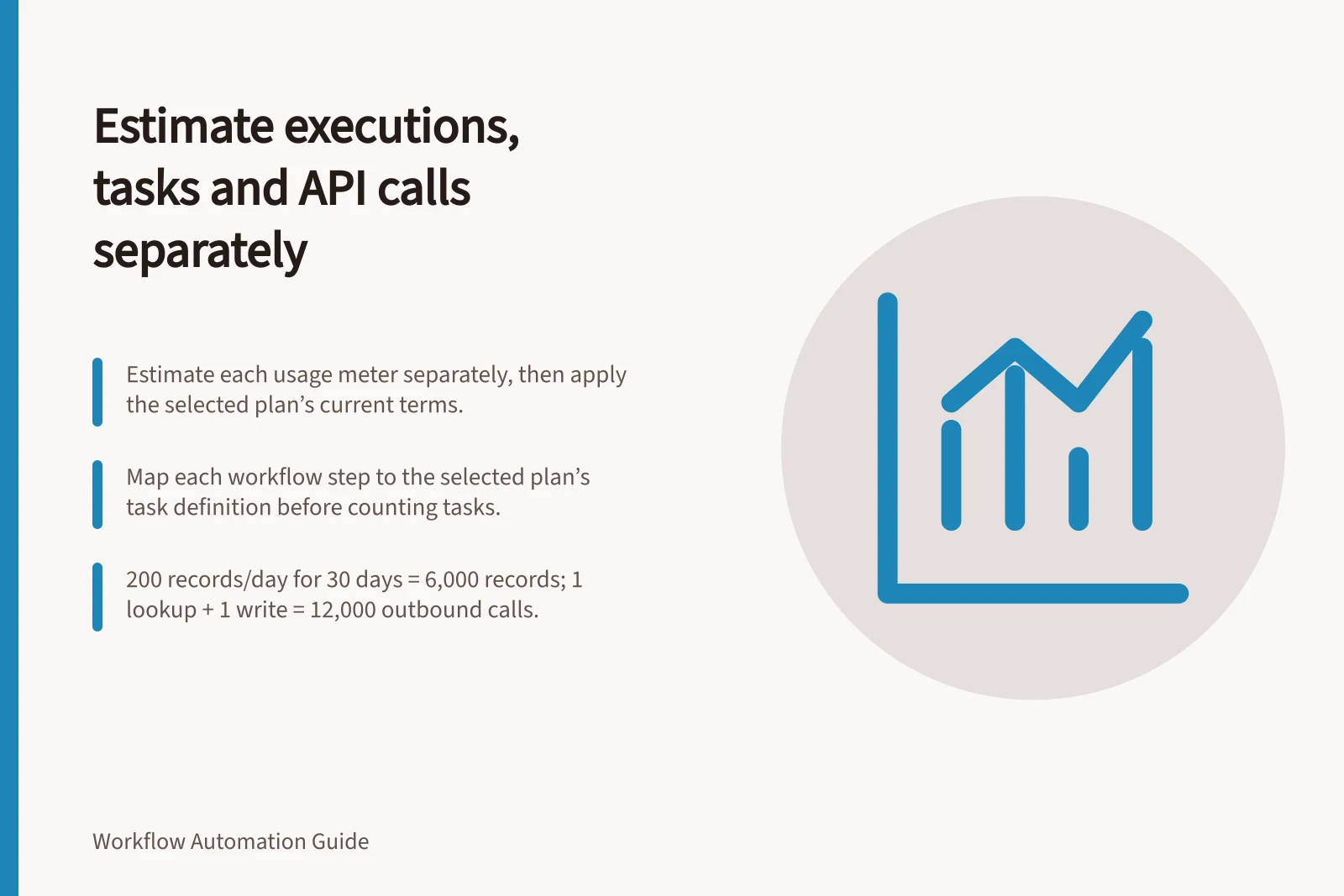
Estimate each usage meter separately, then apply the current terms of the selected plans and connected services. An execution, a task, an operation and an API call are different events. A single “cost per run” can hide checks, branches and retries.
Count the work first
Choose a billing period and estimate eligible source items, scheduled checks or event deliveries, and items reaching each branch. For every step, record how often it runs per item and whether a retry or replay adds another attempt.
Use separate worksheet columns for trigger checks, workflow executions, chargeable tasks, Make operations and credits, outbound API calls, and confirmed destination outcomes.
To estimate chargeable tasks, map each workflow step to the selected plan’s documented task definition, then multiply eligible task-producing events per item by the forecast item count. Add retries or replays only when the plan’s rules count them. Do not assume every action is a task; verify the current terms for the selected plan.
Add subscription, hosting and connected-service charges only after identifying which counts their contracts use. An API rate limit is also separate from a monetary charge.
Build the usage estimate
- Choose the billing period and forecast item count
- Estimate source items, scheduled checks or event deliveries, and items reaching each branch
- Record how often each step runs per item and whether retries or replays add attempts
- Map each workflow step to the selected plan’s documented task or unit definition
- Add subscription, hosting and connected-service charges only after identifying their contract counts
Match each product’s unit
| Product or deployment | Unit to forecast | Qualification |
|---|---|---|
| Make scenarios | Credits from module operations | A scheduled trigger check is an operation; later modules can run once per bundle; some features use other credit rates |
| Listed licensed n8n plans | Workflow executions | Steps within one run do not set the execution count; hosting and connected services remain separate |
| Azure Logic Apps Consumption | Eligible trigger and action executions by type | Polling checks and supported retries can add metered executions; allowances and connector types matter |
Match each product’s unit
- Make scenariosCredits from module operations; a scheduled trigger check is an operation; later modules can run once per bundle; some features use other credit rates
- n8n listed licensed plansWorkflow executions; steps within one run do not set the execution count; hosting and connected services remain separate
- Azure Logic Apps ConsumptionEligible trigger and action executions by type; polling checks and supported retries can add metered executions; allowances and connector types matter
Work a hypothetical forecast
Suppose 200 eligible records arrive each day for 30 days: 6,000 records. If each needs one outbound lookup and one write, the first-pass forecast is 12,000 outbound calls.
This forecast excludes retries, pagination and any calls made by trigger checks. Whether either connected API charges for requests depends on its contract.
If each record starts one n8n workflow, the simplified estimate is 6,000 executions.
If a plan counts two chargeable actions per record, the simplified estimate is 12,000 chargeable actions.
A Make scenario scheduled every 15 minutes for 30 days has 2,880 trigger checks.
If two non-AI modules each process one bundle for every record, the simplified total is 14,880 operations and credits: 2,880 checks plus 12,000 processing operations.
Add attempts and reconcile
List retries by step: affected items multiplied by extra attempts.
A full workflow replay need not use the same units as retrying one action. Azure Logic Apps Consumption meters trigger and action operation executions under its operation rules, including supported retries. Do not add polling checks as a separate metered unit unless the applicable terms classify them as billable operations.
Compare the forecast with platform usage and destination records for the same period.
Investigate gaps caused by branching, bundle counts, pagination, repeated items or a different plan rule before revising the estimate. Keep unresolved business outcomes visible beside the usage total.
Reconcile the forecast
- List retries by stepaffected items multiplied by extra attempts
- Do not add polling checks as a separate metered unit unless the applicable terms classify them as billable operations
- Compare the forecast with platform usage and destination records for the same period
- Investigate gaps caused by branching, bundle counts, pagination, repeated items or a different plan rule
- Keep unresolved business outcomes visible beside the usage total