Observability
Part of Workflow monitoring and observability
Tracking successful outcomes rather than execution counts
Define eligible work, confirm destination results and calculate outcome and on-time rates without counting retries as extra successes.
Count a workflow outcome when an eligible business item reaches its defined destination state. An execution count measures runs, not completed orders, cases or requests. One item may cause several runs, and eligible work may produce no run at all.
Choose the counting unit
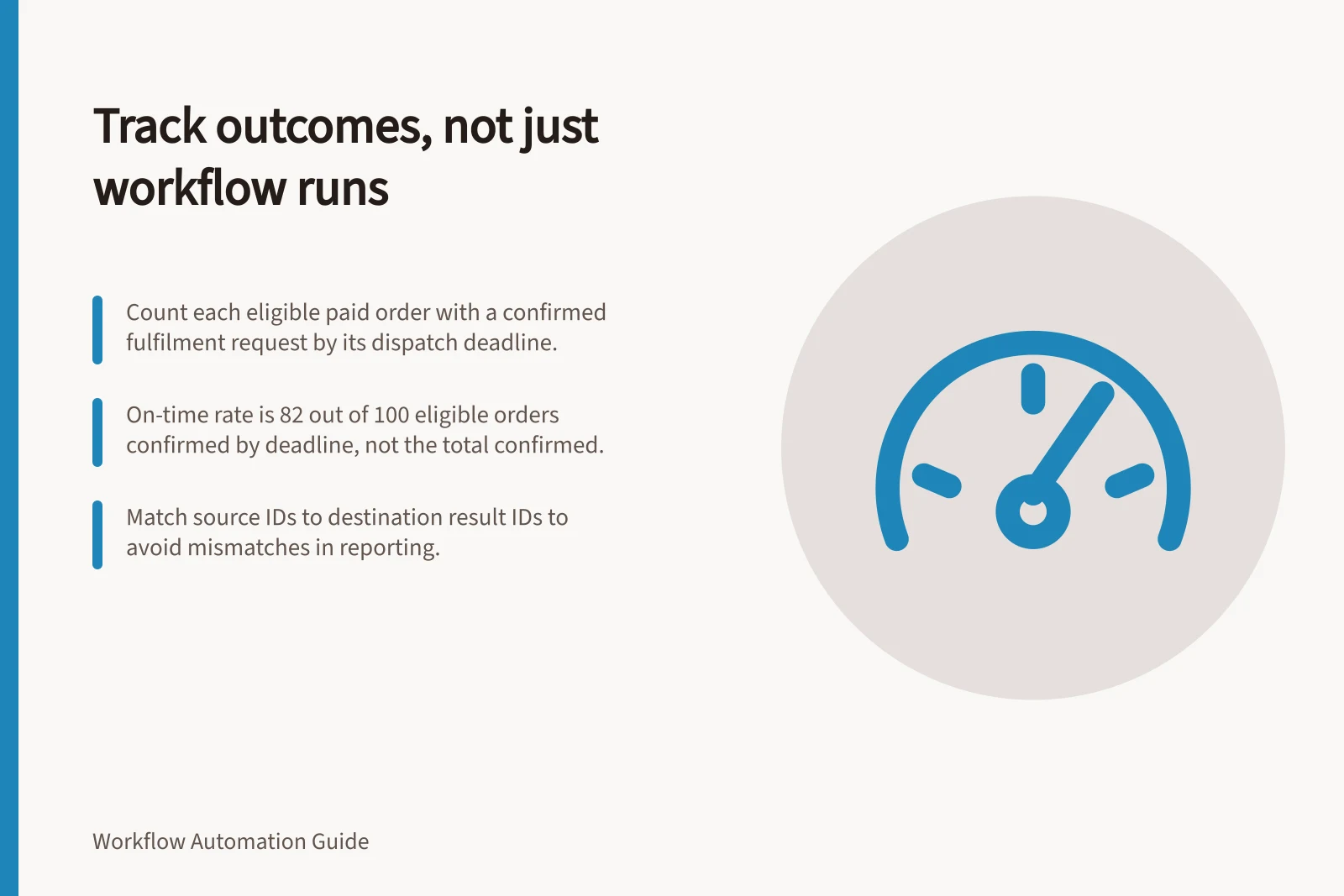
Write one outcome statement, such as: “Each eligible paid order has one confirmed fulfilment request by its dispatch deadline.” The order is the counting unit. Trigger events, retries and runs are supporting records, not additional orders.
Define eligibility from the authoritative source and fix the point at which an item enters a reporting cohort. Decide how cancellation before the deadline changes its status or eligibility, then apply that rule consistently. A later edit to an existing order should not silently add a second obligation.
| Item status | In the eligible total? | Confirmed outcome? |
|---|---|---|
| Destination result confirmed | Yes | Yes; check its completion time for the on-time measure |
| Processing or awaiting confirmation | Yes | No, while pending |
| Exception or unknown write | Yes | No, until resolved |
| Ineligible under the agreed rule | No | No; report separately |
| Repeated event for a counted item | No new item | No new outcome |
Agree on these states with the source and destination owners. If the destination only acknowledges a request, call that milestone accepted, not completed.
Calculate the outcome rate
For a defined source cohort, divide the number of distinct eligible items with a confirmed destination outcome by the number of eligible source items. State the cohort period and the point at which results are measured. For an on-time rate, use items whose deadlines have passed and count only outcomes confirmed by those deadlines. Show still-pending items separately.
Suppose 100 eligible orders have passed their deadlines. By then, 82 had confirmed fulfilment requests. Another eight were confirmed late and ten remain unresolved.
The on-time rate is 82 out of 100, or 82%. The currently confirmed share is 90 out of 100; it is not the on-time rate. Five other orders judged ineligible are reported separately.
Reconcile identities, not just totals
Join each eligible source ID to its intended destination result ID under an agreed matching rule. Investigate a source item without a result, a destination result without a matching obligation and more than one result for one intended action. Equal totals alone cannot reveal those mismatches.
Azure Logic Apps documents trigger statuses including Skipped when the trigger finds no data meeting the specified criteria. AWS says Step Functions CloudWatch metrics are delivered on a best-effort basis, with completeness and timeliness not guaranteed.
Display the cohort, deadline rule, numerator, denominator, pending and overdue counts and data refresh time together. Before relying on the measure, check how it classifies a normal item, repeat, ineligible item, missed run and late completion against the actual source and destination records.