Observability
Workflow testing and deployment
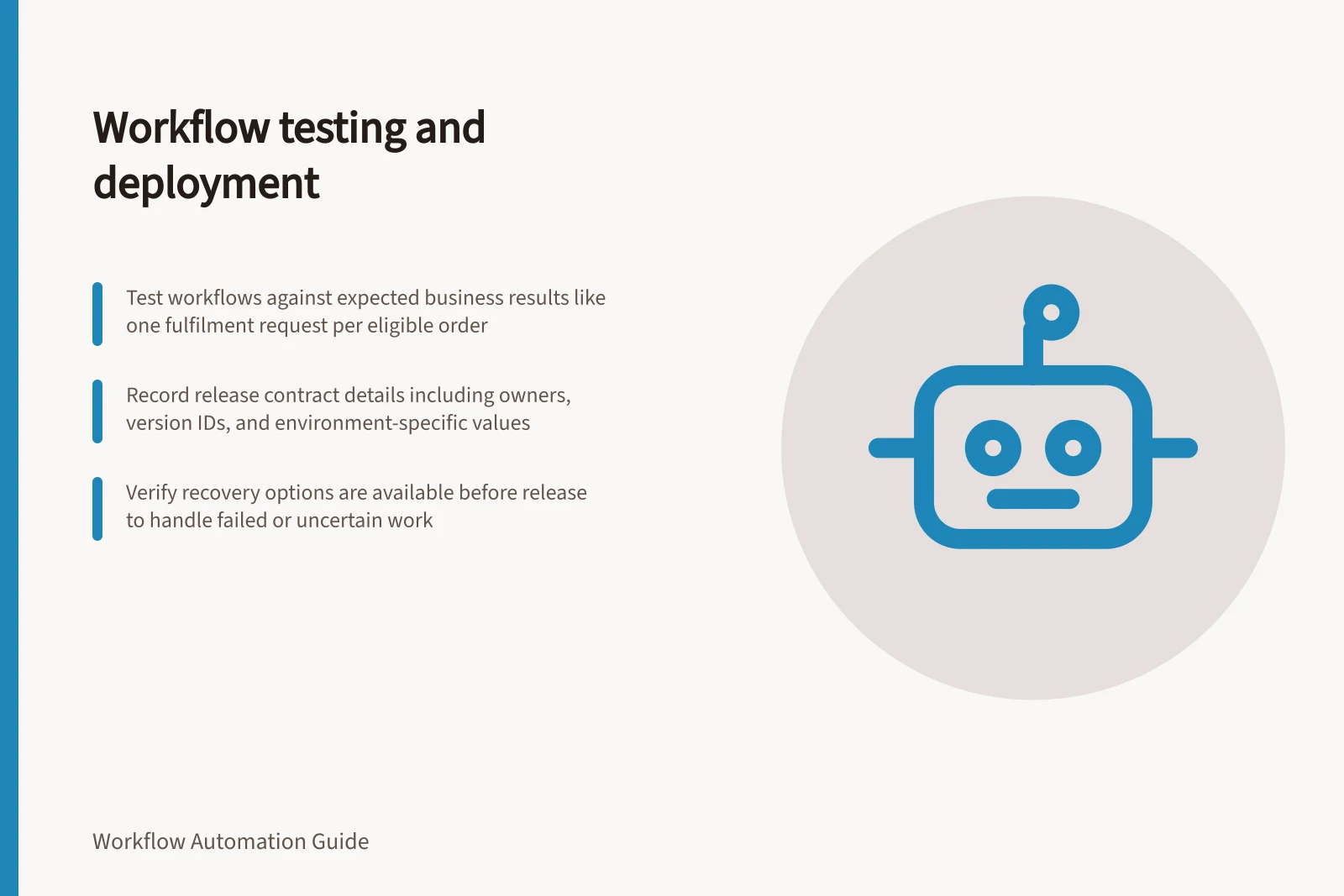
Plan workflow tests, verify live connections, compare versions and release with a recovery path for completed external actions.
Test a workflow against the business result it must produce, then release the version and configuration that passed those checks. Before live work starts, decide how to stop new work, identify affected items and handle actions a version rollback cannot undo.
For a hypothetical paid order, the result might be one fulfilment request linked to that order. An eligible order should produce that request; an ineligible order should produce none. A timed-out submission needs investigation before another request is created.
Key Compliance and Operational Considerations
- Privacy Risk
- Use of commercially available AI products requires compliance with OAIC guidelines
- Tax Implication
- Digital automation may affect GST reporting; refer to CPA Australia updates
- Platform Support
- Zapier, Power Automate, and AWS Step Functions offer testing and versioning features
Define the release contract
Record the source event, eligibility rule, destination action and evidence of completion. Name an owner who can inspect both systems. Identify the proposed workflow version, production connection identities and environment-specific values.
The same workflow definition can behave differently when an endpoint or connected account changes. Distinguish a request accepted for later processing from a confirmed business result. Keep the source reference and destination result ID where available so an operator can investigate an uncertain write.
Check decisions and destination effects
Write expected results for the normal route, the route that should do nothing, missing or invalid input, and relevant failure paths. Record the input and initial state, expected route, expected destination effect and observed result. Leave observations blank until the cases are run.
A successful run status does not establish that the intended destination record exists. Use synthetic or authorised test records and inspect outbound effects.
Check the route into production
Map every source account, outbound connection, endpoint and recipient as test or live. A workflow in a test environment can still affect an external production account. Before activation, verify that external connections and endpoints point to the intended test or live systems.
Review the proposed release against the live workflow at a high level, focusing on changes that could alter routing or destination effects. Check configuration outside the version view.
Version facilities differ by product and plan, so identify the exact version that will receive new work.
Validate the test environment
After an environment copy, Microsoft says to validate apps. Validate that the test environment contains the workflow components and dependencies needed for the release. Treat the copy as a candidate test environment, not proof that the full production workflow and its dependencies are present.
Confirm environment-specific values
Power Automate environment variables can store values such as URLs, email addresses and connection strings for reuse across flows and solutions. A current value can override the default value, so verify which value applies in the target environment.
Identify the deployed version and route
AWS Step Functions distinguishes a state machine revision from a version: a revision is an immutable snapshot with a revision ID, but it cannot be used to start an execution. A published version is a numbered, immutable snapshot that can be run.
Record the deployable version identifier rather than relying on a revision label alone. An alias is a pointer to up to two versions and can route traffic between them, including for a gradual deployment.
If an execution starts without a version or alias, Step Functions uses the latest revision of the state machine definition. Confirm which route new executions will use before treating a test result as evidence for the production release.
AWS Step Functions: Revision vs Version vs Alias
- Revision
- Immutable snapshot with revision ID; cannot start executions
- Published Version
- Numbered, immutable snapshot; can be used to start executions
- Alias
- Pointer to up to two versions; enables gradual deployment and traffic routing
Release with a recovery decision
Record the release owner, time, version and condition for stopping new starts. Where the process allows it, begin with a controlled set of authorised inputs. Inspect both run history and destination records, and give unresolved items an owner.
Define how the release owner will pause new work and decide what to do with running or uncertain items. AWS Step Functions aliases can route new executions to a published version. Redrive applies to eligible unsuccessful Standard Workflow executions and preserves successful steps.
Before relying on retry or redrive, confirm the recovery option is available and decide how to handle uncertain external effects. Close the release review when eligible items can be matched to confirmed destination results and each remaining exception has a recorded next action.
Check recovery eligibility before release
Before release, record whether the platform's recovery option is available for the affected work. Detailed redrive eligibility conditions, and rollback and reconciliation procedures, are covered in S026-P11-S04.
In this guide
- Building test cases for every decision branchTurn workflow decisions into cases with expected routes and destination effects, including compound conditions, defaults and boundaries.
- Using a sandbox before connecting live business accountsMap test and live connections, check what a sandbox isolates, and verify outbound effects before connecting production accounts.
- Comparing workflow versions before releaseCompare workflow triggers, decisions, data, actions and recovery settings, including configuration outside a platform's version view.
- Rolling back a workflow without replaying completed actionsRedirect new workflow starts, classify affected outcomes and recover unfinished items without repeating confirmed external actions.